rendr
One-click exports and a tidy project, right inside Premiere Pro.
Free. Windows and Mac. Sign in once with your free bloot ID.
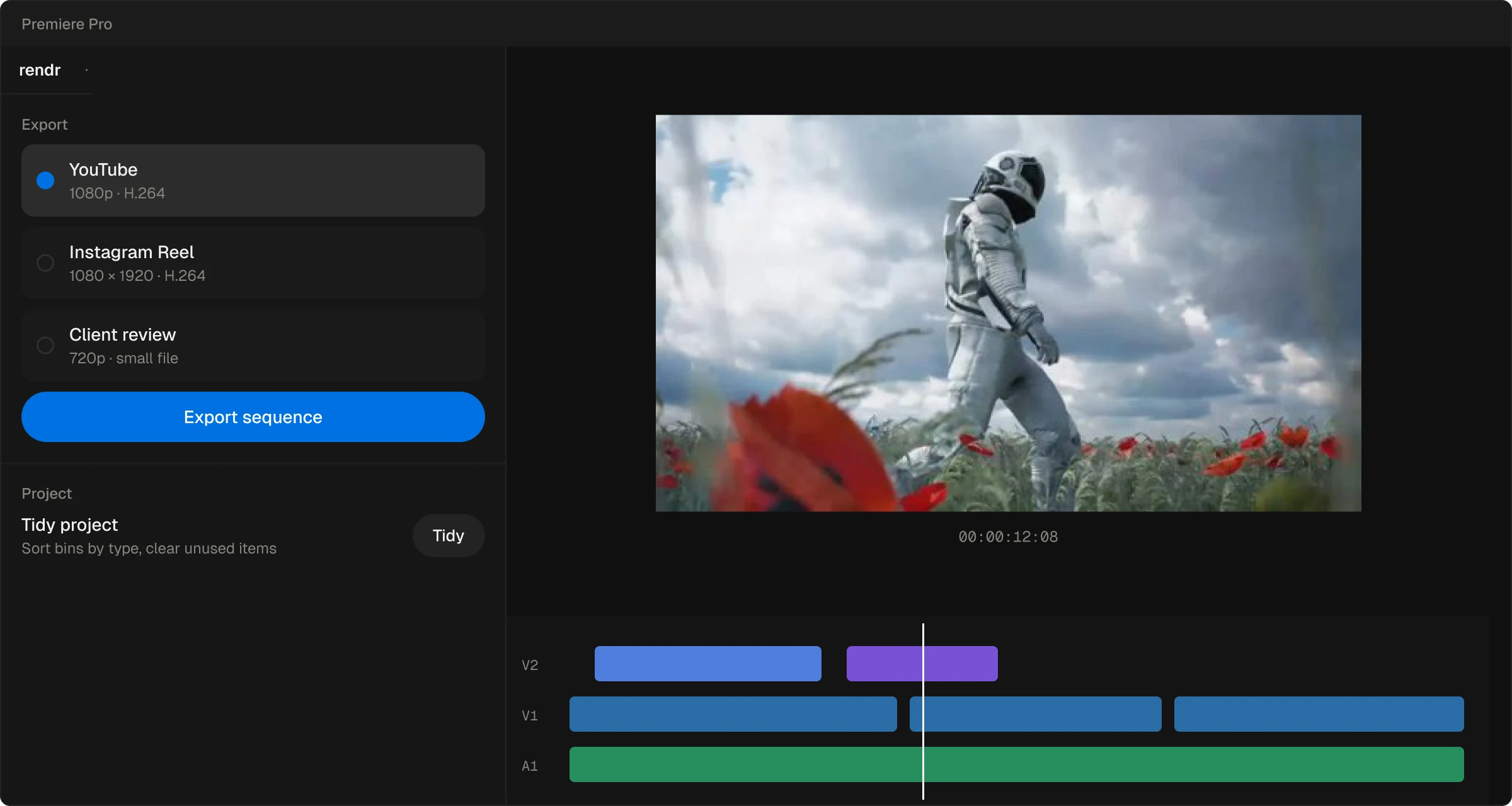
Exports in one click
Save your export settings once, then send a sequence out with a single click.
A tidy project
Sort bins by type and clear out what you don’t use, without leaving the edit.
One bloot ID
Sign in once in bloot apps and rendr is ready, like every other bloot app.
How it works
- Step 1
Get bloot apps
Download it free from bloot.app and sign in with Google.
- Step 2
Install rendr
One click in bloot apps. New versions arrive the same way.
- Step 3
Open it in Premiere Pro
Window › UXP Plugins › rendr, then dock it next to your timeline.
Questions
Something else? Write to us on Telegram.
Is rendr free?
Yes. rendr is free. It only needs a free bloot ID.
Do I need an account?
Yes, a bloot ID. You sign in once in bloot apps with Google.
Does it work on Mac?
Yes. rendr runs in Premiere Pro on Windows and on Mac.
How do I update rendr?
bloot apps tells you when a new version is ready. Click Update and restart Premiere Pro.